Start your site from a template
A blog, a docs site, a landing page and a portfolio — finished sites rather than hello-world starters. Each is a GitHub template that deploys itself on every push, and every demo below is that repository's own live deploy.
-
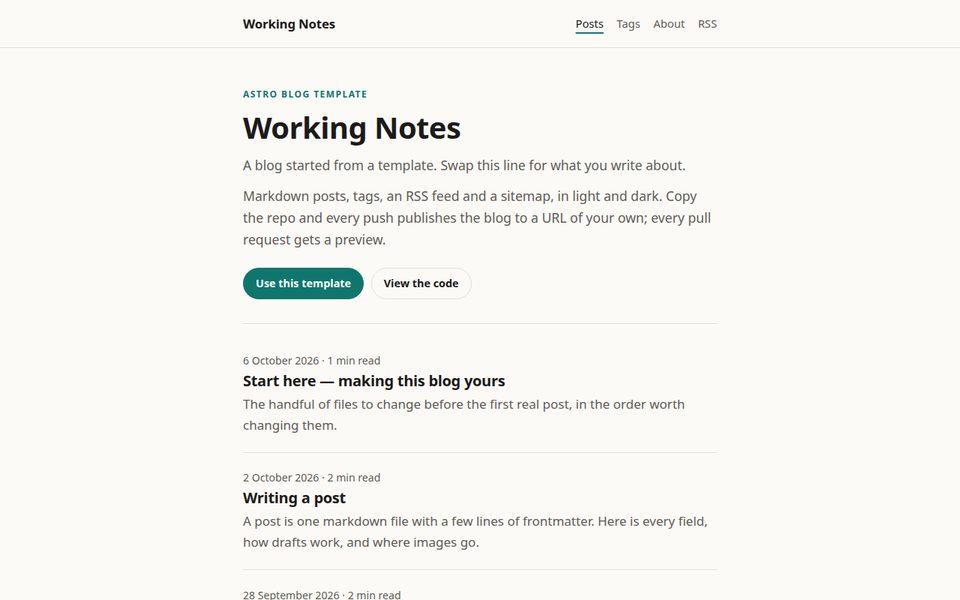
Blog
AstroWrite in Markdown, push, and the post is live. Posts, tags and a feed, ready for your first one.
- Markdown posts with drafts
- Tags, RSS and a sitemap
- Code highlighting, light and dark
-
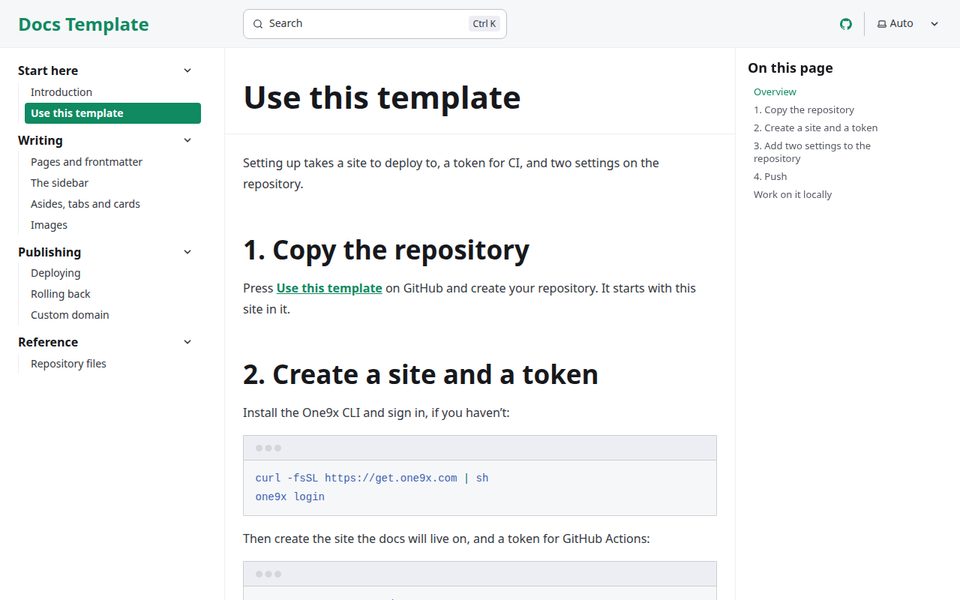
Documentation
StarlightDocs for your project, with a preview URL for every pull request so changes are read before they ship.
- Sidebar and full-text search
- Asides, tabs and cards
- Edit-this-page links
-
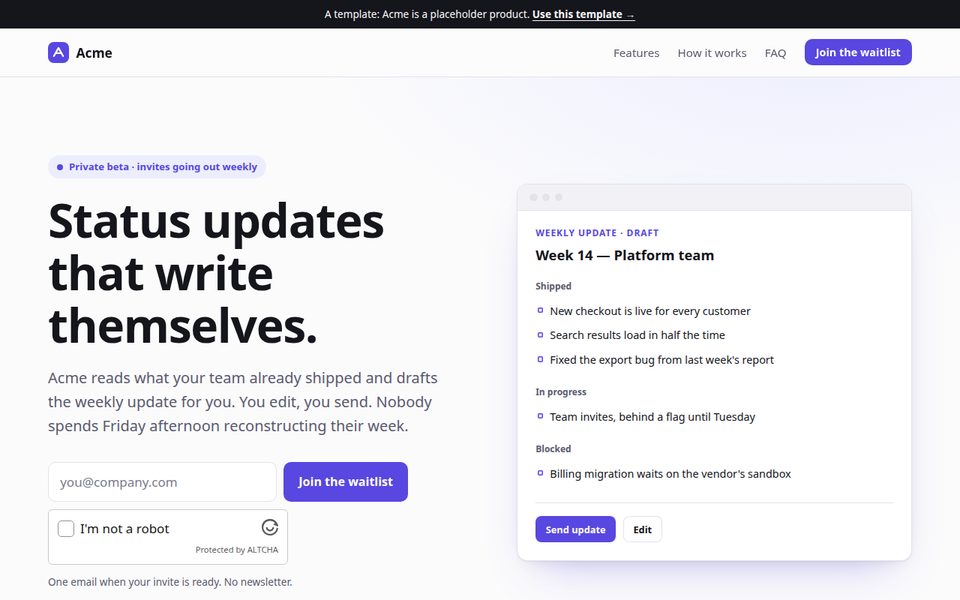
Landing page
AstroA launch page with a waitlist that works the moment it is deployed. Signups land in your dashboard.
- Waitlist on One9x Forms
- Features, steps and an FAQ
- Light and dark themes
-
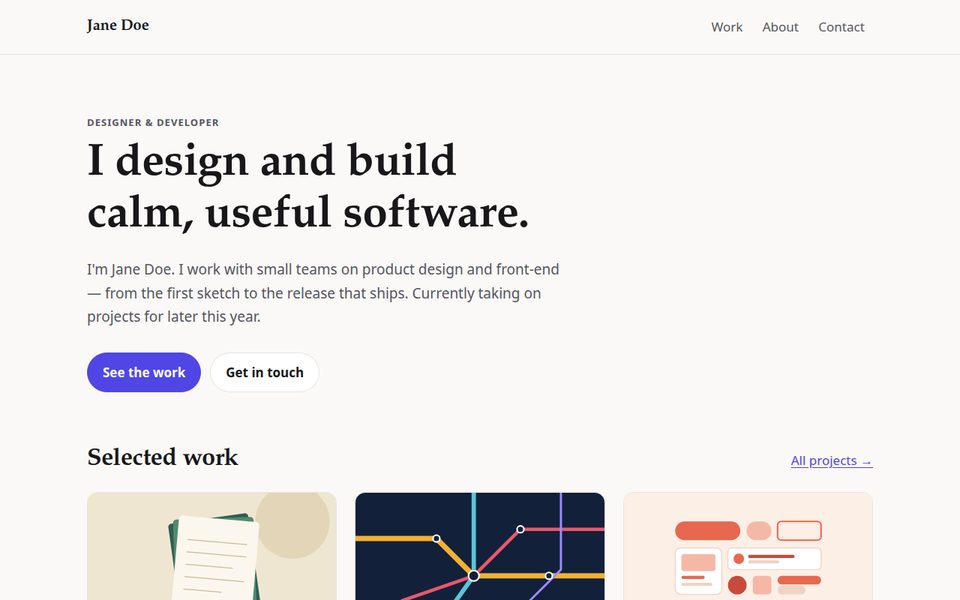
Portfolio
EleventyYour work as short case studies, a CV page, and a contact form that needs no backend.
- One Markdown file per project
- CV page from a data file
- Contact form on One9x Forms
Three steps, once
-
1. Press “Use this template”
GitHub makes you a new repository with the whole site and its deploy workflow in it.
-
2. Create a site and a token
In the new repo, under Settings → Secrets and variables → Actions, add the variable
ONE9X_SITEand the secretONE9X_TOKEN. Until they exist the workflow is skipped, so a fresh copy never opens with a red X. -
3. Push
A pull request gets its own preview URL in a comment. A merge to
maingoes live. Once you link a custom domain, set aSITE_URLvariable and canonical links, feeds and sitemaps follow it.
$ one9x pages create myblog✓ created myblog → https://myblog.one9x.app/$ one9x tokens create "github actions"one9x_tok_7Kd… (shown once)Not on GitHub? A template is just a folder. Clone it, build it, and release the output with the CLI — or drop the built folder on the dashboard. Every repo's README names its build command and output folder.
Just the framework, deploy wired up
One page per framework and nothing else — for when you already know what you are building and want the deploy done. Each has a live demo deployed the same way.
| Framework | Builds to | Demo | Template |
|---|---|---|---|
| Astro | dist/ | astro.one9x.app | Use this template |
| Hugo | public/ | hugo.one9x.app | Use this template |
| Eleventy | _site/ | eleventy.one9x.app | Use this template |
| Vite + React | dist/ | vite.one9x.app | Use this template |
| Next.js | out/ | nextjs.one9x.app | Use this template |
| Nuxt | .output/public/ | nuxt.one9x.app | Use this template |
| SvelteKit | build/ | sveltekit.one9x.app | Use this template |
| Create React App | build/ | create-react-app.one9x.app | Use this template |
Not sure which kind of site you are building? JAMstack examples walks through what each one is for, which generator suits it, and when a static site is the wrong choice.